★★★★★
lived here for years and still found out a couple of new things. Great way to look with fresh eyes.
Discover Bury Saint Edmunds through local stories and clues hidden in the places around you. Pick a walking adventure and explore at your own pace.

Showing 1 of 1 quests
lived here for years and still found out a couple of new things. Great way to look with fresh eyes.
Selected five-star reviews with player photos. Original words and ratings.
A city walk. With a plot twist.
Turn a walk into an adventure with the Questo app. Follow a story, explore real places and solve puzzles along the way.
Real streets. Unexpected discoveries.Look closer at landmarks and corners you might otherwise walk past.
Uncover local stories or take on a fictional mission. You choose the adventure.
Follow clues, connect the dots and share that “we got it!” moment.
Every quest here is a city exploration game: discover local places and stories through puzzles, at your own pace.
Follow clues through real places and discover the stories behind them. Here’s a glimpse of Bury Saint Edmunds.

St Edmundsbury Cathedral stands on Angel Hill in Bury Saint Edmunds, Suffolk.
Discover this place
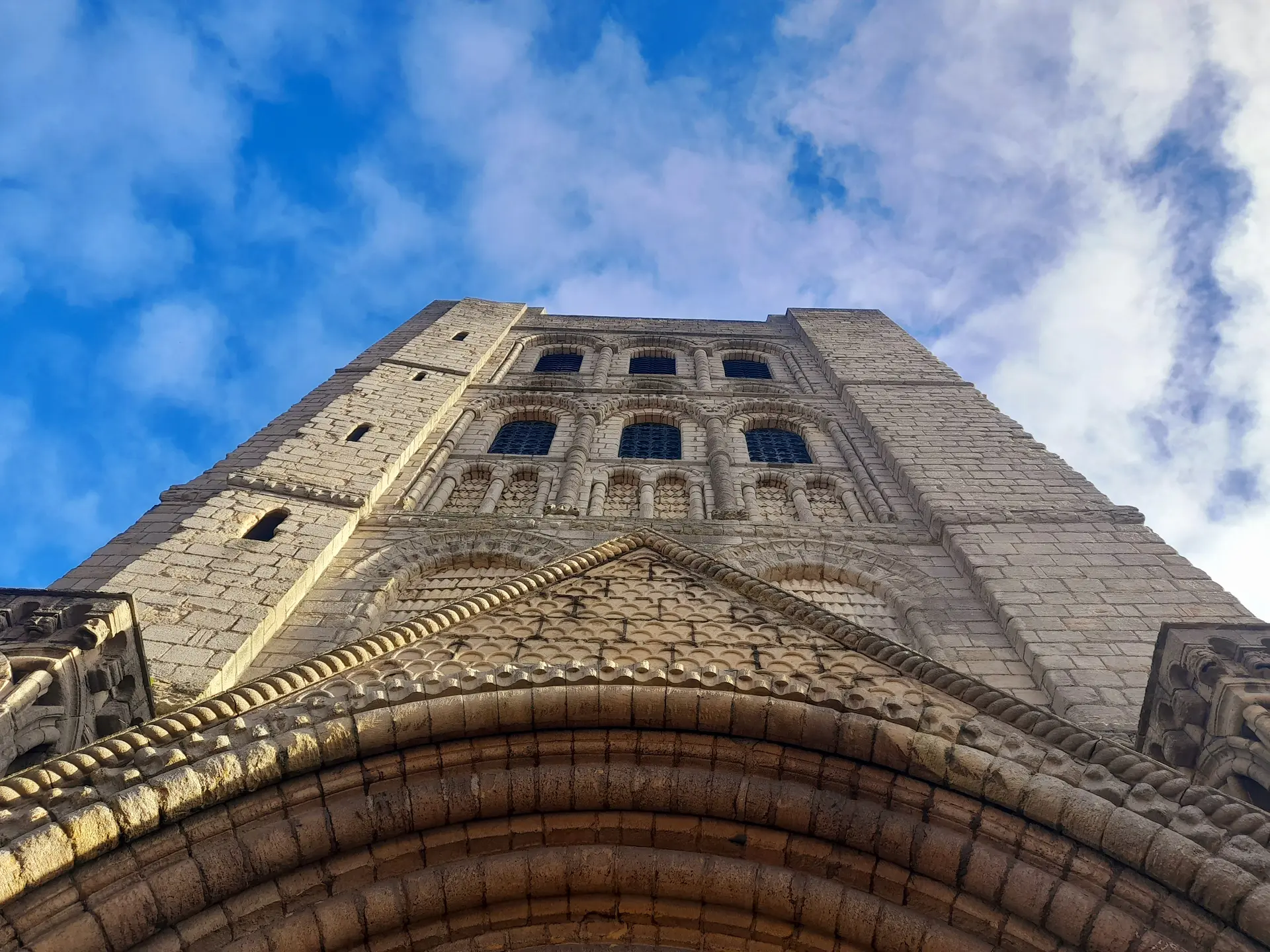
The Norman Tower is a Romanesque stone gateway in Bury St Edmunds, Suffolk, built as the great entrance to…
Discover this place
The Guildhall in Bury St Edmunds, Suffolk, is a medieval civic building on Guildhall Street, often described…
Discover this placeThe people behind the places
Discover Bury Saint Edmunds through the eyes of the people creating its quests. Their curiosity becomes your next adventure.


Colchester, UK
Behind this adventure
Medieval Mayhem: Bury St Edmunds Walking Tour & Escape GameQuests are reviewed and play-tested before they become paid experiences.
Know a corner of Bury Saint Edmunds worth discovering? Build a quest, earn when people play, and help turn your city into a playground.
Questo City Stories Index
Explore its stories, places and walking data, and see how Bury Saint Edmunds compares with other cities.
Keep exploring
Find a city nearby to play with your family and friends.
A walk with a plot twist
Find a quest. Follow clues in the app. Discover the city as you play.
Pick a city, a story and your language.
Follow the app. Find clues in the streets.
Stop for coffee. Pick up where you left off.
I’m a majestic beast, swift and bold,
In fields of green, my tale unfolds.
A noble creature, with hooves that prance,
A symbol of freedom in every glance.
I can move swiftly, by day or night,
Chasing the wind, my spirit takes flight.
Though I may be pure, like snow, of course,
Can you guess what I am with my grace and force?
Before you head out
About the destination
Your next story starts outside.
Get the Questo app. Pick a quest, follow the clues and make the city your playground.